Remove a traffic cone and nearby clutter
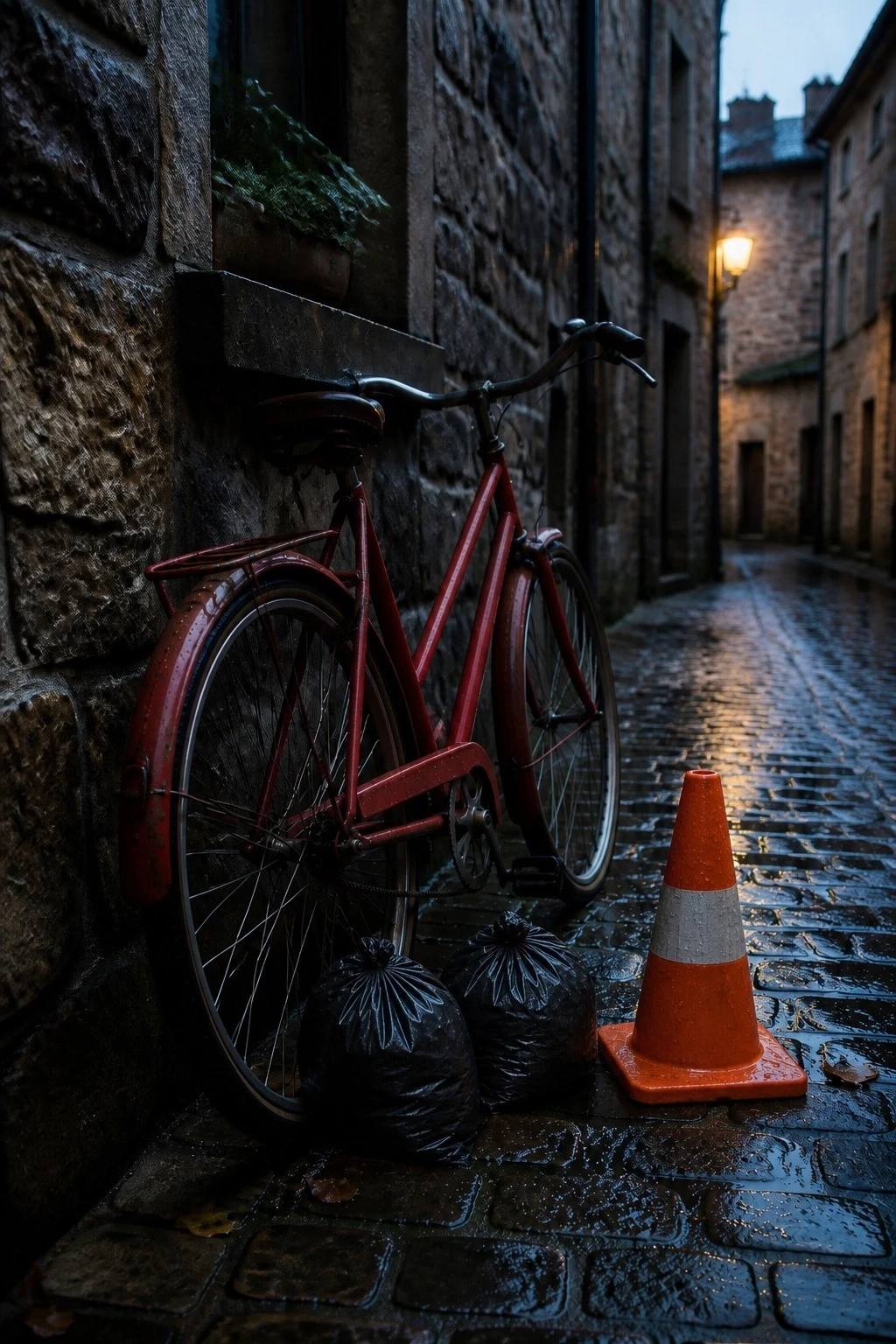
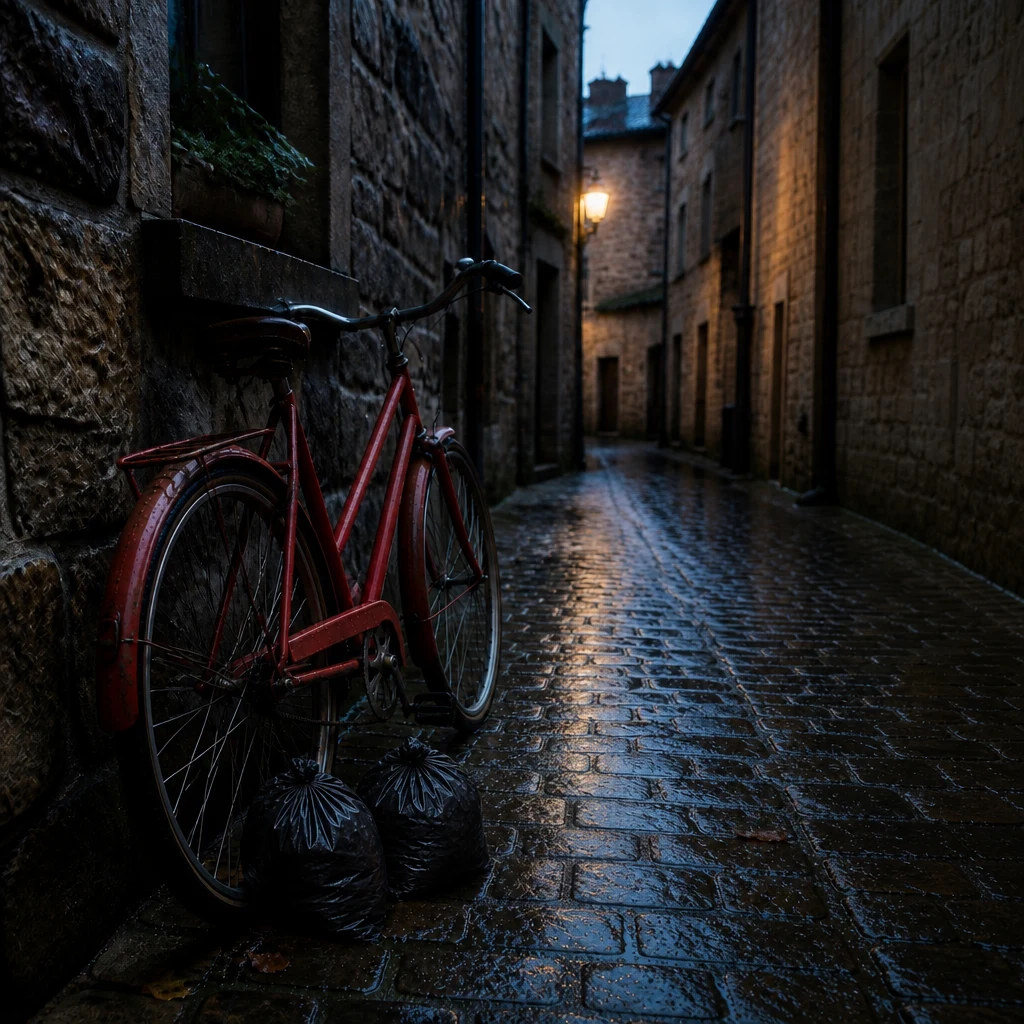
A brush selection removes the cone and some clutter near its edge, with the bicycle and alley still present. Actual run: GPT Image 2, 1K, 3 credits.
Brush over unwanted objects and let AI rebuild the background
Verifying that you are human… Log in to unlock
Loading the selected model’s credit cost… Credit rules
Your existing credits remain available. We do not add a watermark to edited results.
Use this object remover to remove unwanted objects from photos. Brush over a distraction or draw a rectangle, review the credit cost, and generate a PNG. To remove an object from a photo, start by marking the area you want AI to edit.
Drag and drop, click to upload, or paste with Ctrl+V (⌘V on Mac). Sign in to use a selection-capable model.
Paint over the distraction or drag a rectangle around it. Adjust brush size, erase extra marks, undo, or clear the selection.
Choose an available output size and check the displayed credit cost before you submit. Add a short prompt to explain what should be removed or preserved.
Inspect the edited area and surrounding details, then download the PNG. You can adjust the selection and try another edit if needed.
These three results were generated through the live selection workflow using GPT Image 2 at 1K. Orange shows the selected area. Model output can change framing or other details; review each result before use.
A brush selection removes the cone and some clutter near its edge, with the bicycle and alley still present. Actual run: GPT Image 2, 1K, 3 credits.
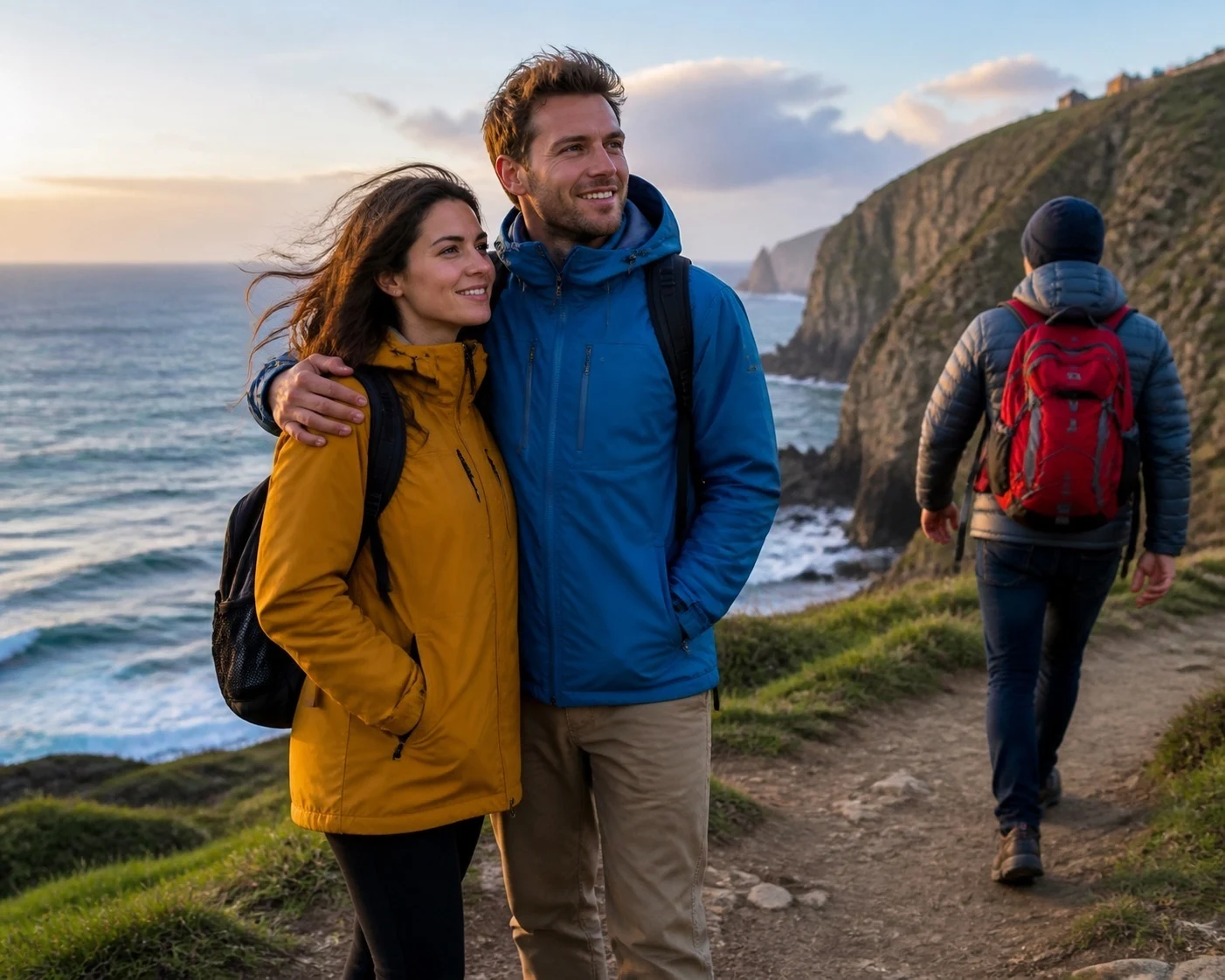
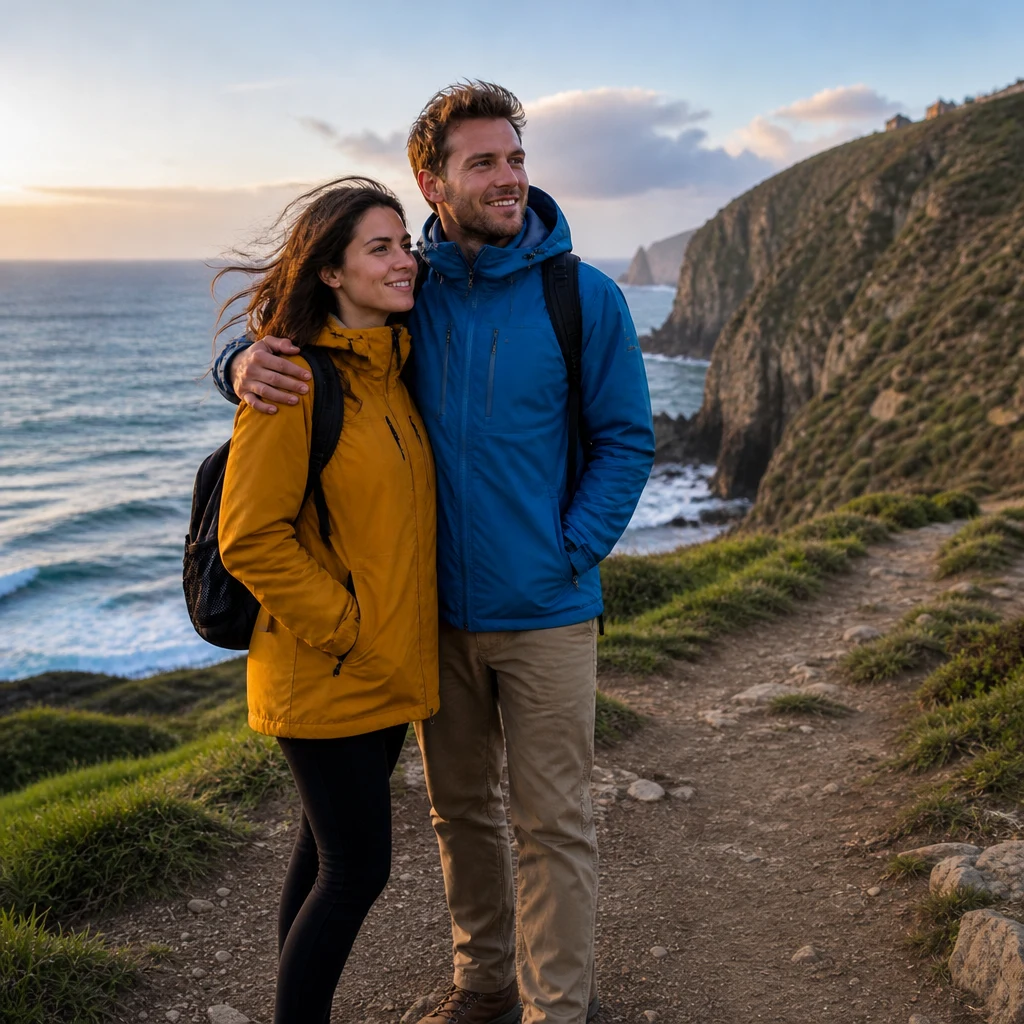
A rectangle selects the person on the right for removal while keeping the couple in the foreground. Actual run: GPT Image 2, 1K, 3 credits.
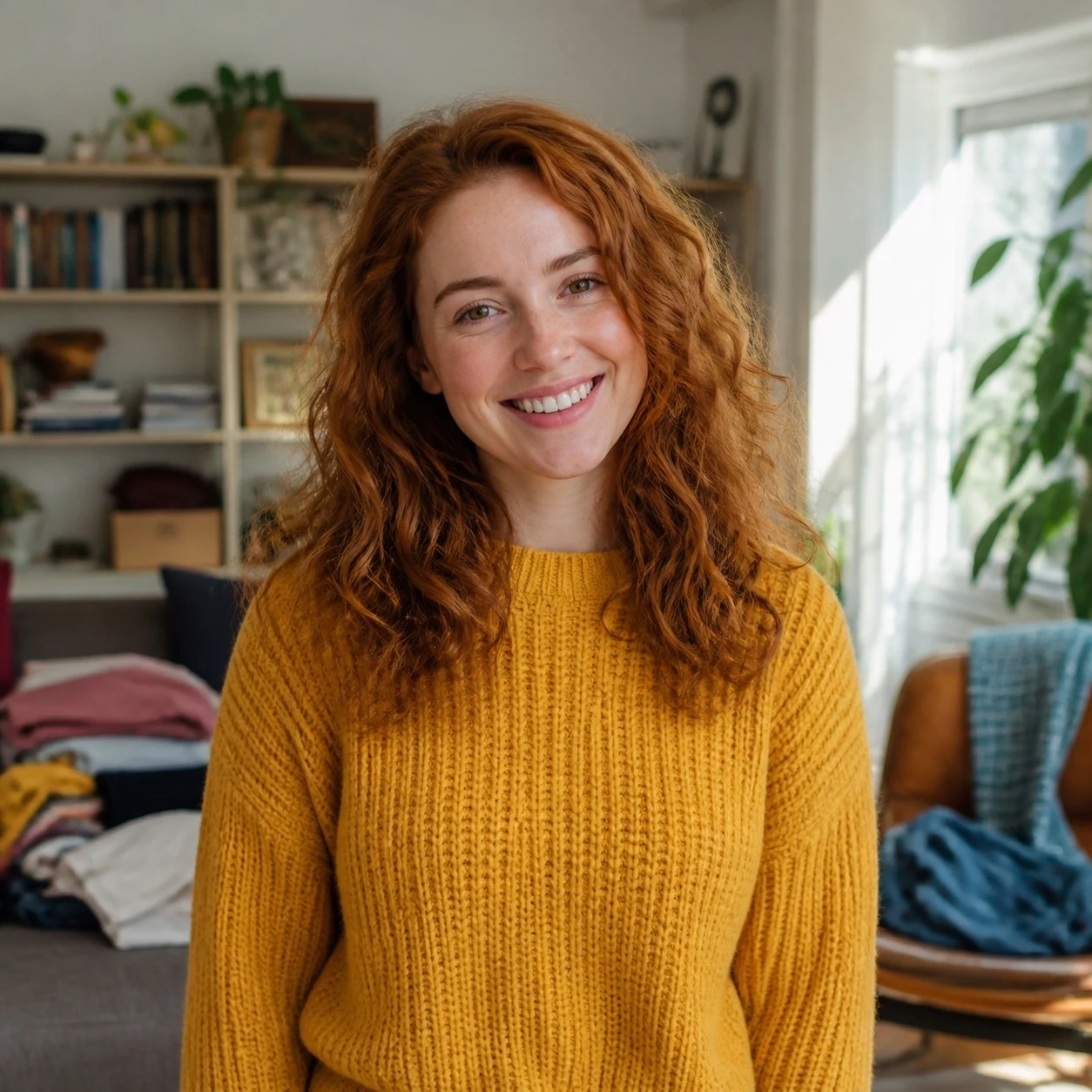

A rectangle marks the clothes on the left side of the portrait for cleanup. Actual run: GPT Image 2, 1K, 3 credits.
PNG / JPEG / WebP / HEIC, up to 25MB per image. Upload by dragging and dropping, clicking, or pasting with Ctrl+V (⌘V on Mac). Results download as PNG.
Up to 4K is available with a supported model and eligible account access. The editor shows the sizes and credit cost you can use. Some models use pixel dimensions and Quality settings instead of resolution tiers.
Failed generations automatically return the credits used for the task. Review the estimated cost before every submission. A completed result may need another edit if the selection or reconstructed background is not right. Credit rules
You retain rights in content you lawfully own. Commercial use requires the necessary rights, permissions, and consents for your image and intended use; output is not guaranteed to be unique or free of third-party claims. Review the applicable terms before use. Terms of Service.
Need a different background too? Try our image background changer.