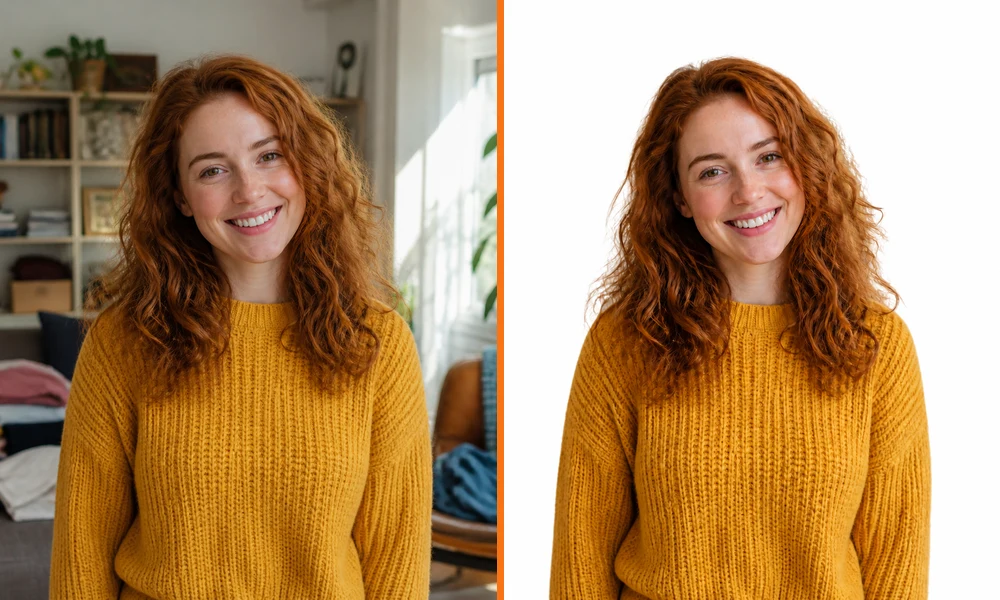
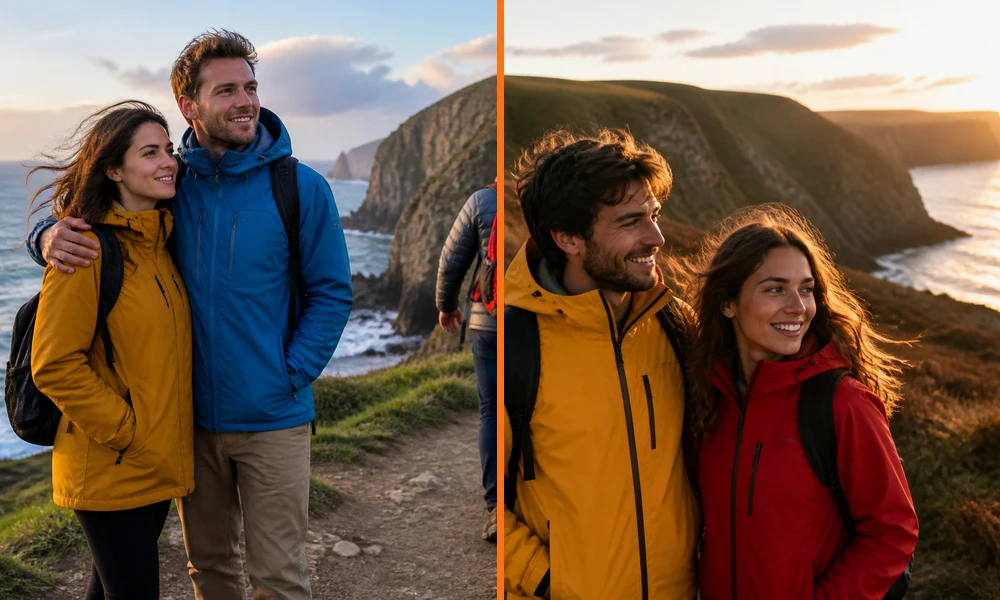
 OriginalBackground Removed
AI Background Editing — Describe the subject to keep and the background you want
Change photo backgrounds with AI. Upload an image, describe the background you want, and let AI make the change. Preview your result and download a PNG.
Verifying that you are human… Log in to unlock
Loading the selected model’s credit cost… Credit rules
Your existing credits remain available. We do not add a watermark to edited results.

These are example results. Actual output and processing time depend on the source image, prompt, and selected model.
OriginalBackground RemovedAI Background Editing — Describe the subject to keep and the background you want
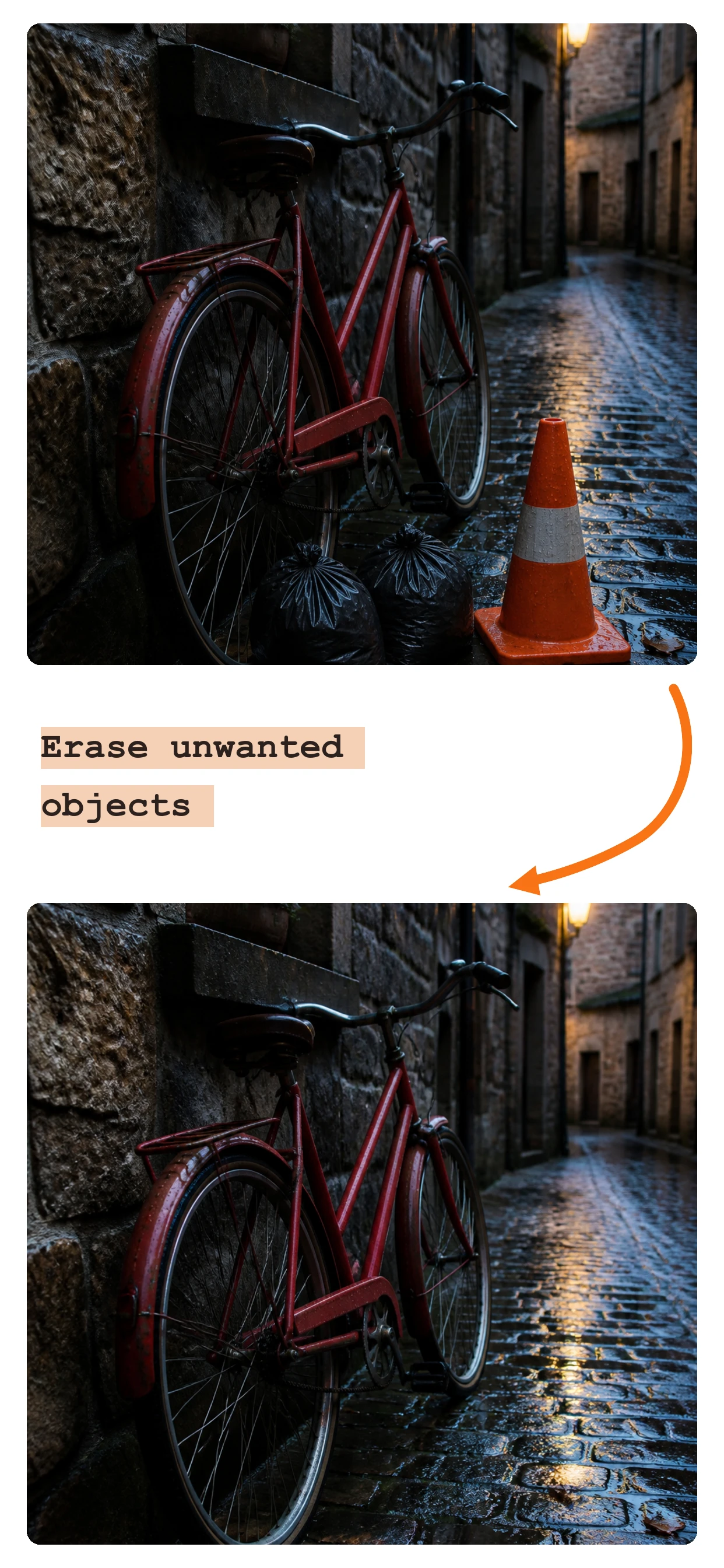
 OriginalObject Erased
AI Object Removal — Describe the object and its position for the model to replace
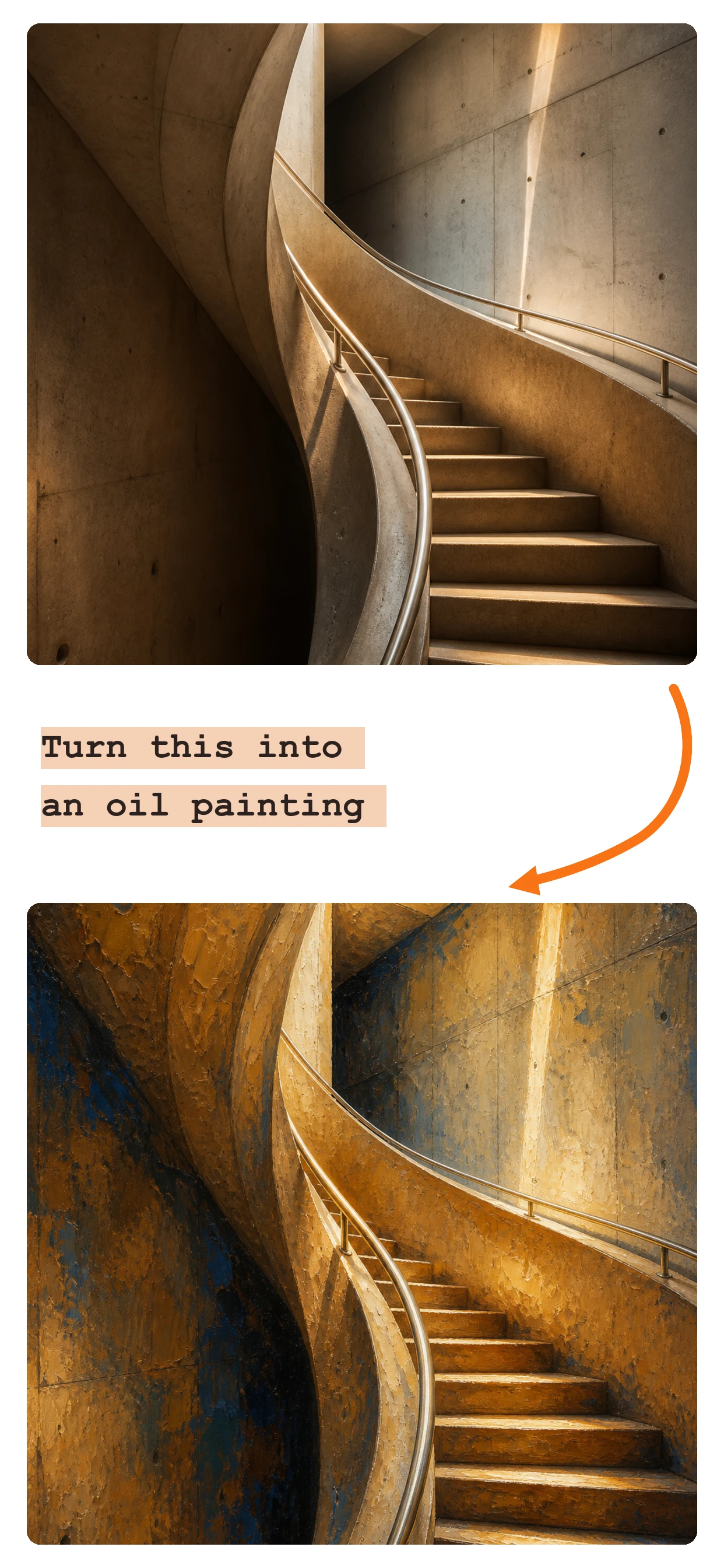
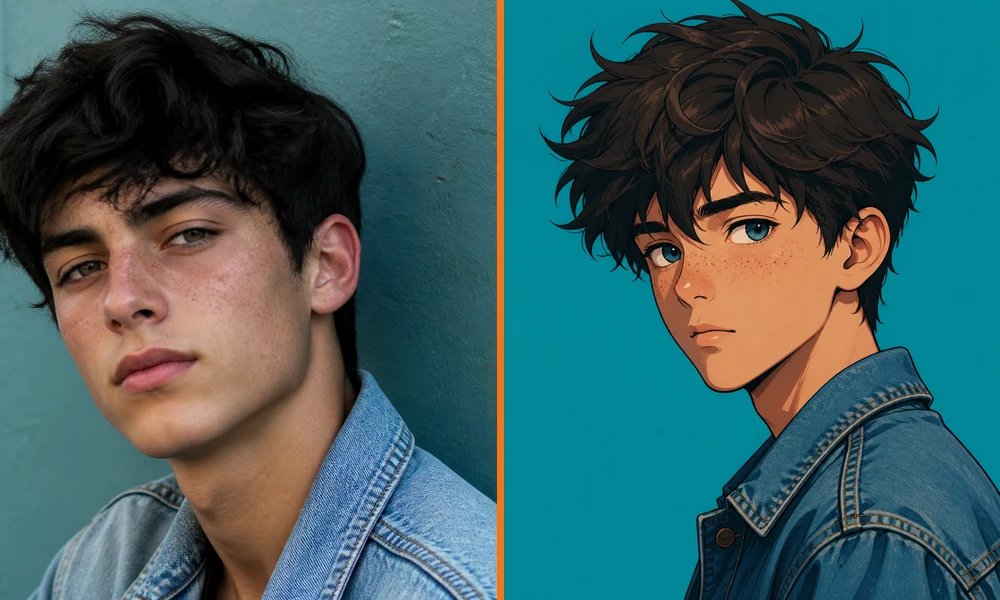 OriginalAnime Style
AI Restyling — Describe the visual direction you want
Upload an image and describe the subject to keep and the background you want. AI applies your requested edits to the uploaded image; edge quality, transparency, and detail depend on the source image and selected model.
Complex edges and transparent backgrounds depend on the model's actual output.
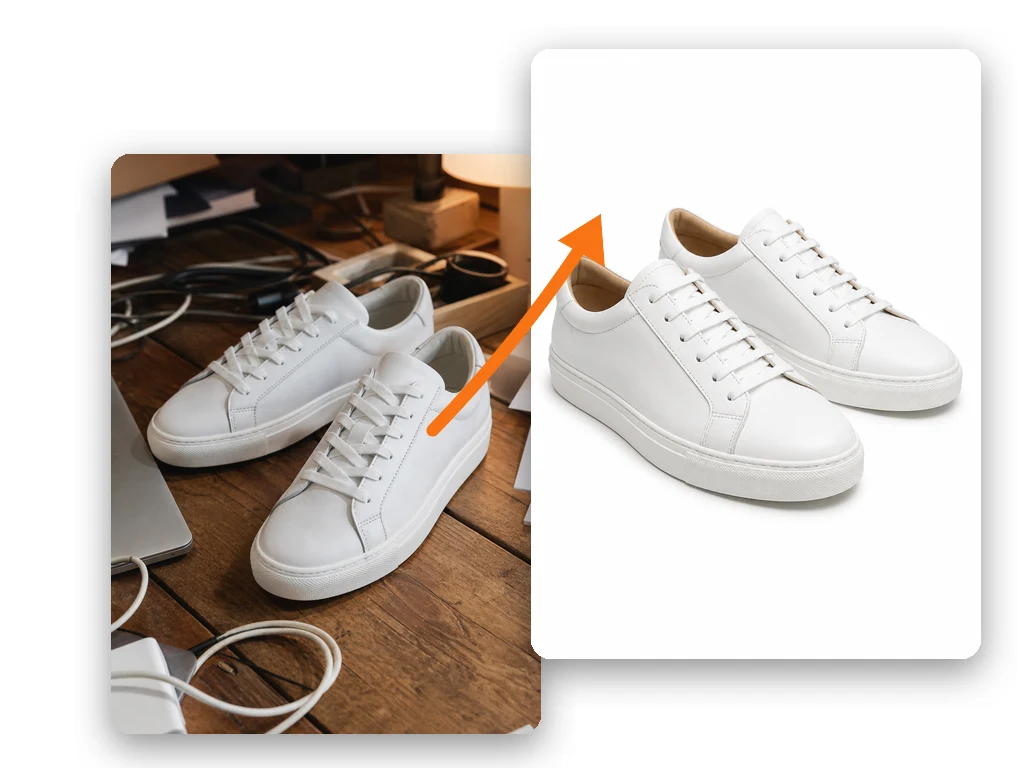
Describe the object, its position, and the surrounding details to preserve. AI attempts to reconstruct the affected area. The current version uses text prompts and does not include a brush selection tool.
Complex scenes may need several attempts; processing time depends on the model and provider status.
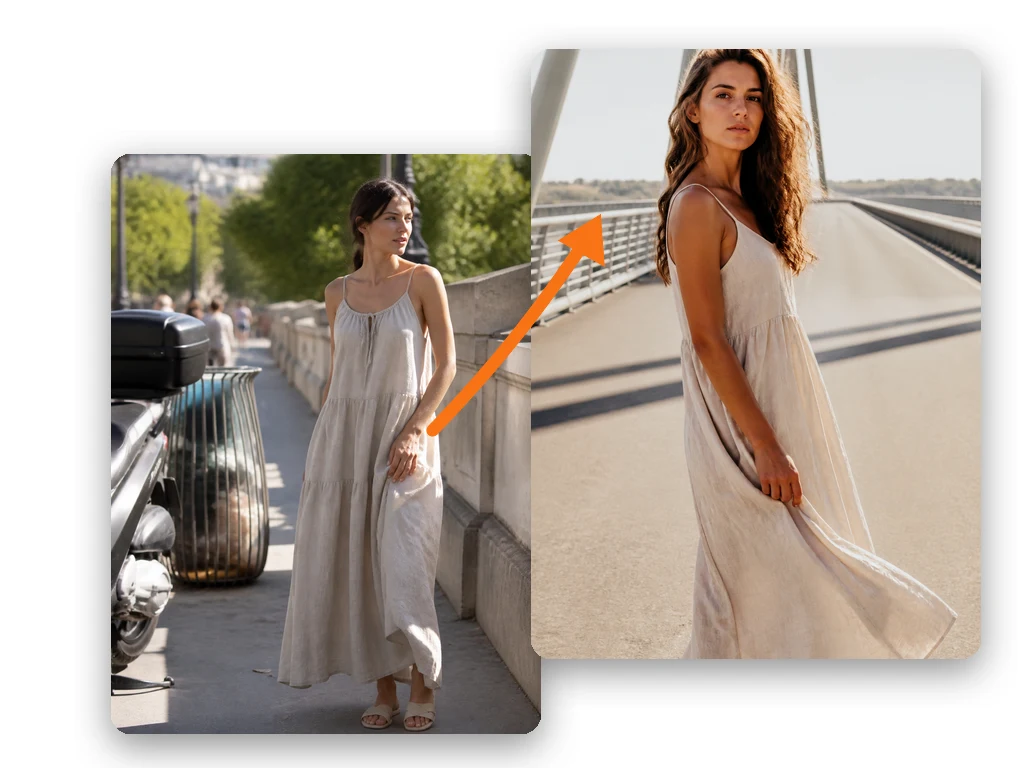
Choose a model that supports the requested resolution to generate a 1K, 2K, or 4K result. Sign in and use your available credits. Each edit is charged at the selected model's rate.
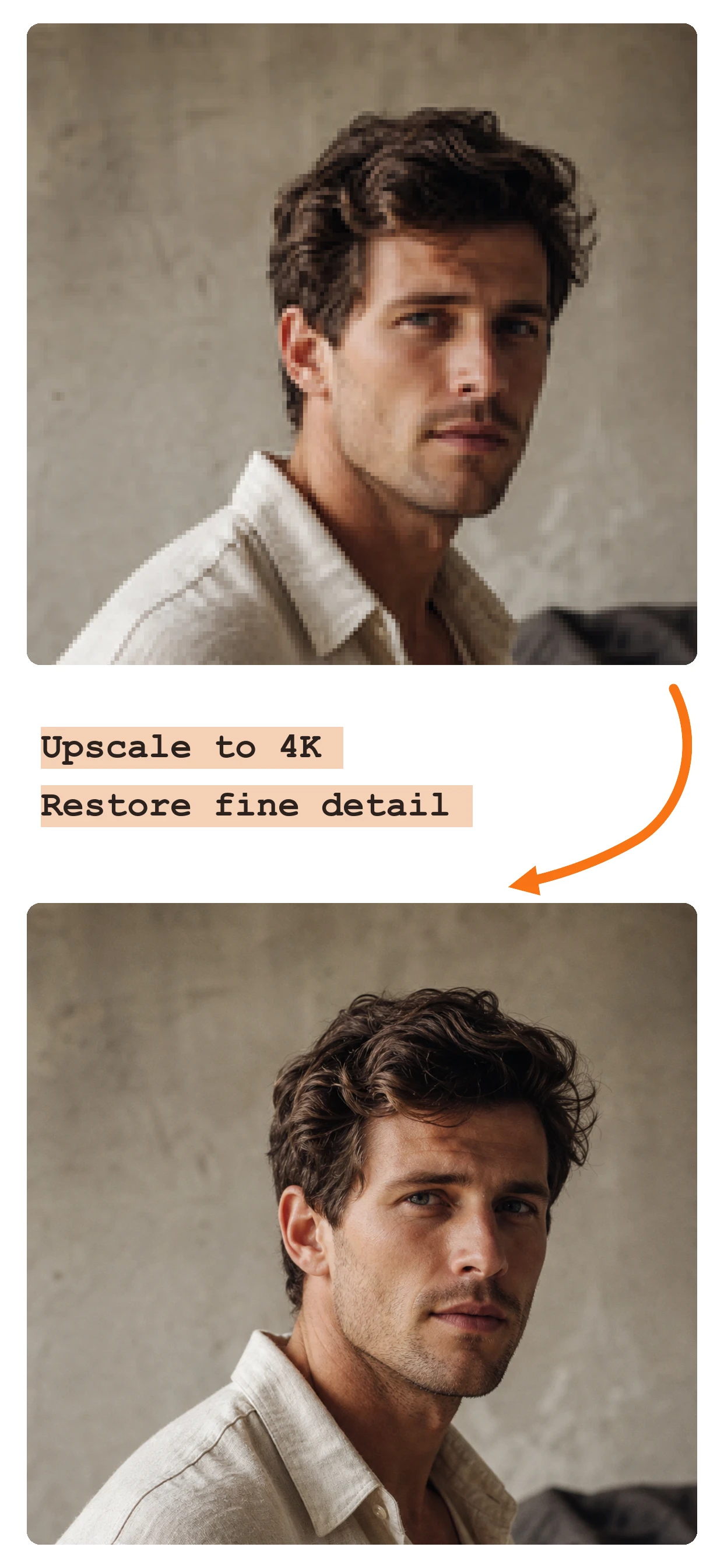
The current version does not offer 8K output. Enhancement quality depends on the model result.
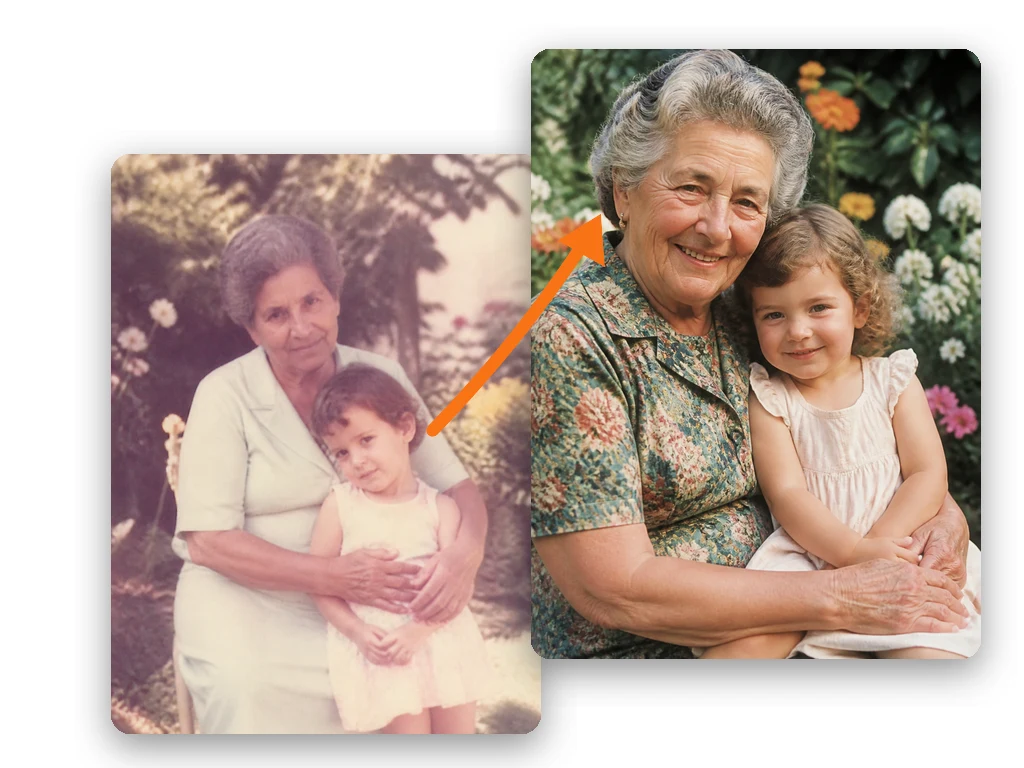
Describe anime, oil painting, watercolor, sketch, pixel art, or another visual direction, and AI generates an edited result based on your text.
Edited results vary; rely on the actual preview before use.
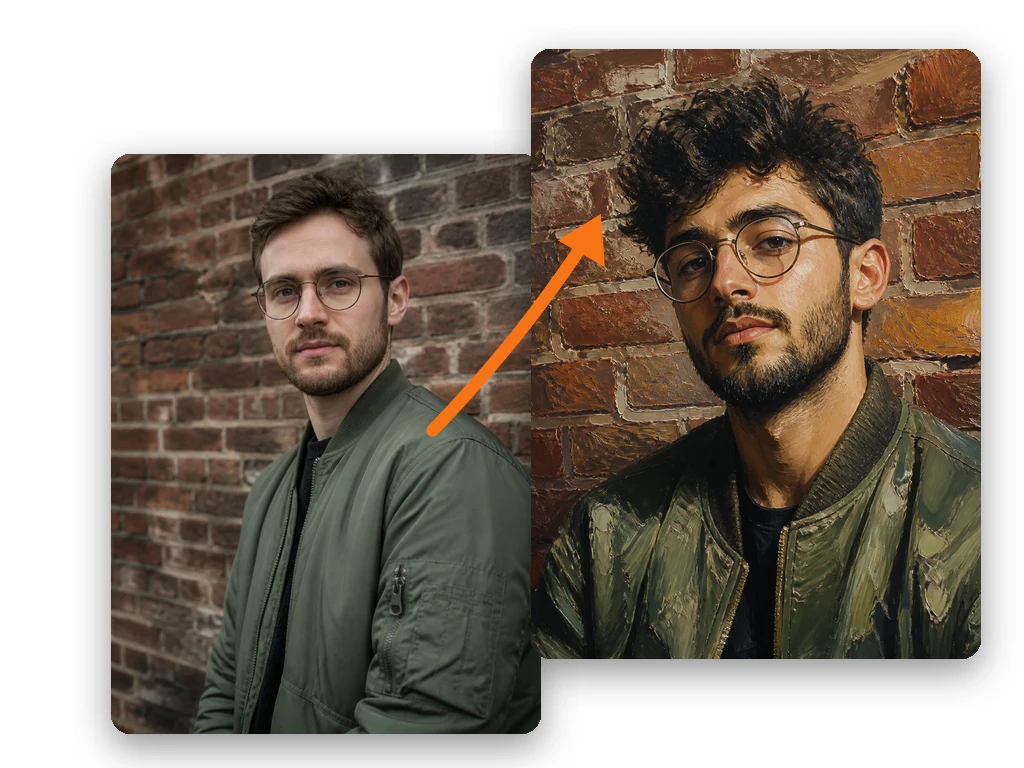
Upload your photo, describe the new background, and let AI process it. Preview the result and download a PNG.
Drag & drop, click to browse, or paste from clipboard. PNG, JPEG, WebP, HEIC — up to 25MB. Sign in and use your available credits to generate.
Choose a background, object-removal, enhancement, or restyling preset, then add the details you want in text.
Preview the edited result and download it as a PNG. Credit cost is shown before submission, and failed edits refund site credits automatically.
Use your available credits to edit. Welcome-credit eligibility and current plans are shown on this page.
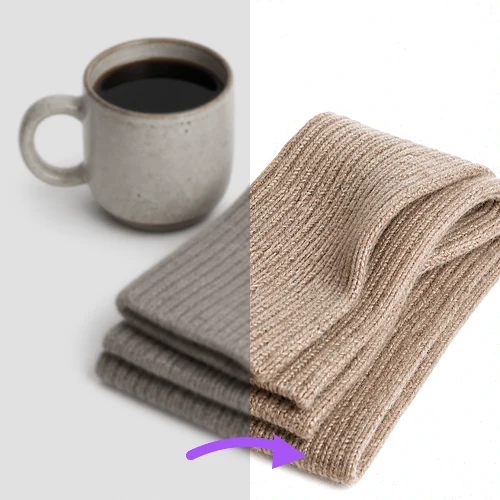 E-Commerce Sellers
Edit product-image backgrounds, composition, and overall style one image at a time to prepare more consistent listing assets.
 Content Creators
Remove distracting objects or adjust image style for Instagram, TikTok, and YouTube assets.
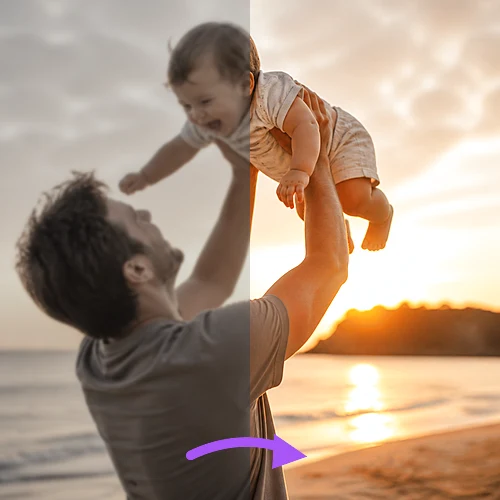 Everyday Users
Remove backgrounds from selfies, erase photobombers from vacation pics, upscale old family photos, or turn your portrait into anime art.
 Marketing Teams
Adjust backgrounds, colors, and styles one image at a time to create more consistent campaign assets. The current version does not offer multi-image batching or team collaboration.
Credits, models, resolutions, and data handling are shown clearly so you understand each edit's limits and cost before submitting.
Use your available credits to edit. Welcome-credit eligibility and current plans are shown on this page. Existing credits remain usable.
See whether a task is processing, generating, complete, or failed. Actual timing depends on the model, image, and upstream service status.
Images and prompts are sent to AI image processing and content-safety providers. Signed-in task records may retain result links; provider retention follows their policies. See the Privacy Policy for details.
Background editing, object removal, enhancement, and restyling all use text prompts, and you can enter your own editing instructions.
Fully responsive design. Edit images on your phone during your commute, on your tablet on the couch, or at your desk — no app install needed.
After sign-in, use your available credits to generate 1K, 2K, or 4K images where supported by the selected model. The current version does not offer 8K.
Choose a subscription or a one-time credit pack. Compare prices, included credits, and editing costs before you buy.
Read our guides on changing image backgrounds
Upload your photo to Image Background Changer, then describe the background you want in one sentence. Check the selected model and credit cost, let AI process the image, preview the result, and download it as a PNG.
Sign in to use Image Background Changer with your available credits. Eligible new users can claim one-time welcome credits when the offer is enabled; the current amount and eligibility are shown on this page. Choose a paid plan when you need more credits. Each edit shows its credit cost before submission, and failed edits refund site credits automatically.
Yes. Existing account credits remain usable. If your browser already has an anonymous balance, signing in with its device cookie intact transfers that remaining balance to your account once. This only transfers existing credits; it does not issue new credits. Each device can transfer to one account, and each account can receive one device transfer. Signing out does not restore transferred credits. If an anonymous edit is still running, the transfer waits until it finishes.
The editor provides prompt presets for background changes, object removal, enhancement, and restyling, or you can describe your own edit. Anonymous use supports 1K only; 2K or 4K availability after sign-in depends on the selected model.
We do not intentionally add a watermark to edited results. Final content still depends on the selected AI model's output.
Uploads support PNG, JPEG, WebP, and HEIC up to 25MB per file. Edited results currently download as PNG; transparency depends on the model's actual output.
Images and prompts are sent to configured third-party AI and content-safety providers to perform the requested processing. Signed-in task records may store prompts, status, and provider result links. Removing a recent task only hides or deletes the site record and does not guarantee deletion of provider-hosted assets. See the Privacy Policy and provider terms for retention details.
Yes. The editor works on iPhone, Android, iPad, and desktop browsers. No app installation is needed. Sign in and use your available credits to generate images.
See the selected model, supported resolutions, and credit cost before every edit. Eligible new users can claim one-time welcome credits when the offer is enabled, then choose a paid plan as needed. Failed edits refund site credits automatically.
Current Pro pricing, credits, and benefits are shown in the pricing section. The current version does not offer 8K or multi-image batch processing.
Upload an image and describe your new background. Check the credit cost before generating, then preview and download your PNG.
Change an image backgroundExisting credits remain usable.